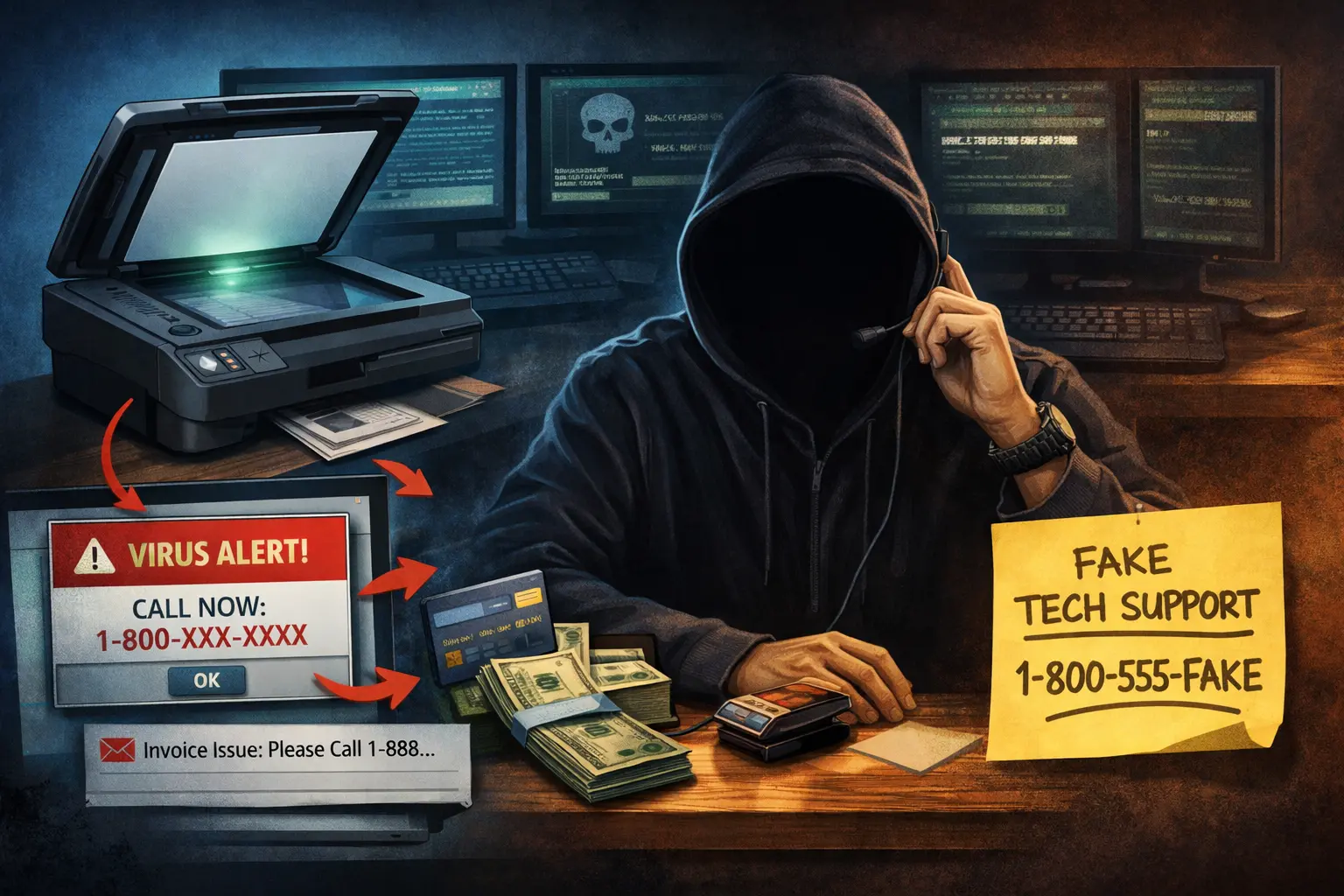
We had a client with what I’d call a fairly common issue—their HP scanner wouldn’t scan. Like most people, their first step was a quick Google search for the problem or even HP’s support number.
As it turned out, the issue did get fixed. The “support company” reinstalled the driver, sold them $300 worth of support credits, and—at least on the surface—everything seemed fine.
Right?
Maybe not.
The client’s first move was to search Google for HP support. The results returned a phone number and a website—but it wasn’t HP. That’s where things started to go wrong.
One early red flag: someone answered immediately.
If you’ve ever called a large company like HP, you know the reality—long hold times, automated systems, and rarely an immediate human response. The fact that someone picked up right away and was eager to help should have raised suspicion.
From there, the process looked completely legitimate.
They were instructed to go to a helpdesk website and install a remote access tool—something like LogMeIn Assist, TeamViewer, Splashtop, or ScreenConnect. These are all legitimate tools. In fact, we use some of them in our own IT work.
That’s what makes this kind of attack so effective—there’s nothing inherently “malicious” about the software being used, so traditional antivirus solutions usually won’t flag it.
The “repair” itself was also normal. They reinstalled the HP printer driver, which is one of the most common fixes for scanning issues.
Then came the pivot.
The technician claimed they had discovered “serious vulnerabilities” on the system. They showed alarming-looking screens and technical jargon designed to create urgency and fear.
That’s when the sales pitch came in—support credits and a driver update application. The problem is, that “driver updater” is often unnecessary at best and potentially harmful at worst. Many of these tools fall into the category of scareware or potentially unwanted programs (PUPs).
When the computer was brought to me, a scan did flag the installed application. It wasn’t a traditional virus, but it behaved like one—running fake scans and reporting exaggerated or false issues to convince the user their system was compromised.
In this case, the client got lucky.
We were able to clean up the system, remove the software, and recommend changing their credit card. But there’s always a concern in situations like this—once someone has remote access, there’s no guarantee what they may have seen or taken.
The big question is always: what could have been done differently?
The first thing people usually ask is, “Would antivirus have stopped this?”
The honest answer is: probably not.
These attacks rely on social engineering—getting the user to willingly participate. Whether it’s a fake support number, a “your computer is infected” popup, a toll scam text, or a misleading ad that looks like HP, Amazon, or QuickBooks, the goal is the same: gain your trust.
Unfortunately, the best defense isn’t software—it’s awareness.
And here’s a simple rule of thumb:
Legitimate companies are often hard to reach. Long hold times, automated systems—that’s normal.
Scammers, on the other hand, will answer immediately. They’ll be helpful, responsive, and even call you back.
If you’re ever unsure—even if you’re not one of our clients—call us first before you call a number you found online.
We’re happy to take a quick look or point you in the right direction, no charge.
📞 318-256-1213
📅 Schedule a call
Marion